
Most modeling tools can export STL easily, making it a practical handoff format.
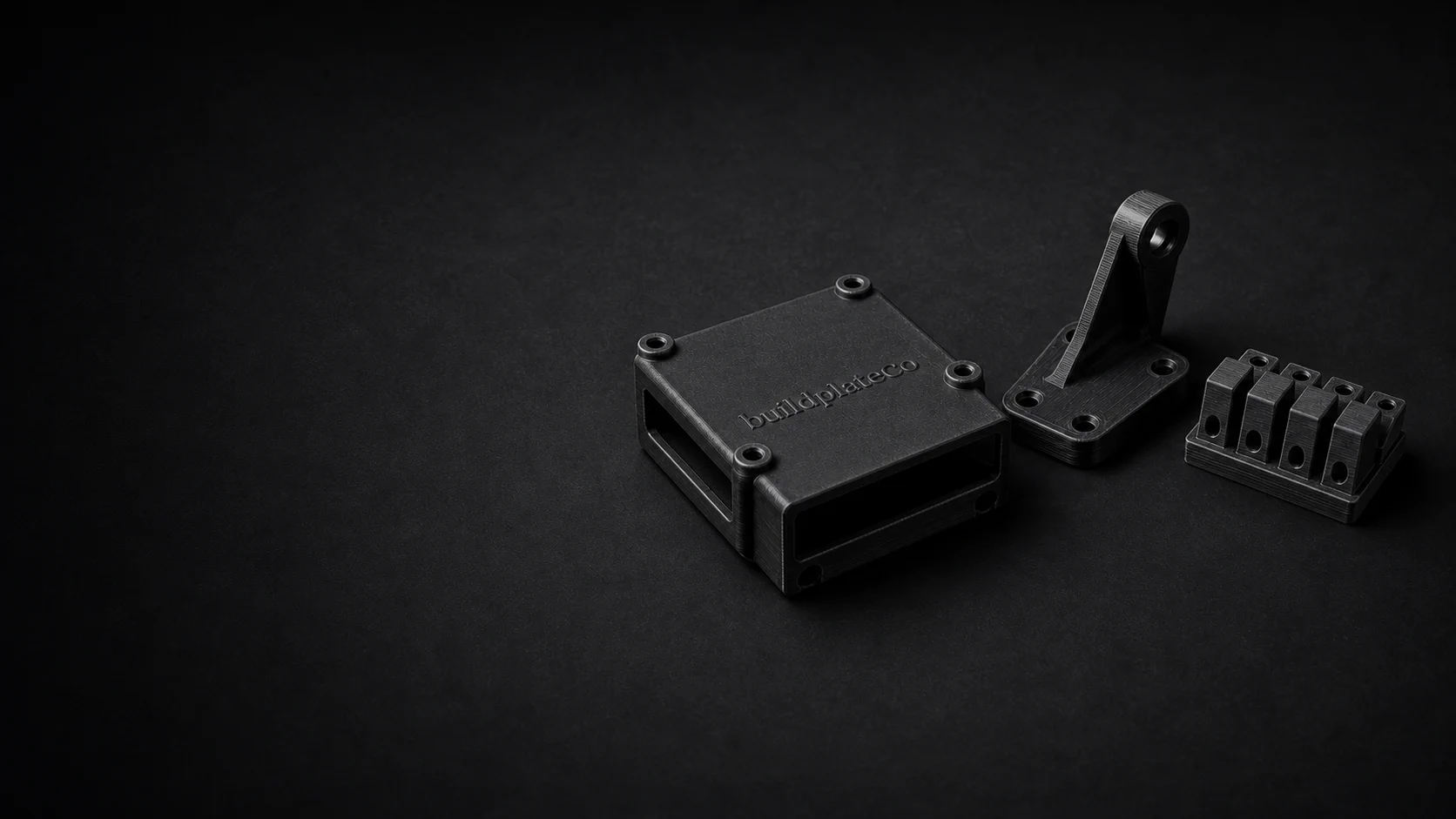
STL file 3D printing service
Upload STL files and move from geometry to custom 3D printed parts fast.
STL is still the most common file type customers expect to upload for 3D printing. BuildplateCo accepts STL files directly and uses them in the same guided quote and order flow as STEP files.
Print-ready STL, STEP, or STP files. CAD repair or model creation is paid work and priced before it begins.
01
Direct upload
STL files can move straight into preview, fit check, and quoting.
02
Single part or batch
You can upload one STL or a full batch.
03
Guided ordering
The process stays clear even if you have never ordered a custom printed part before.
04
Technical guidance
Material, capability, and design pages remain available for deeper review.
When STL works well
Why STL remains useful for ordering
A clean, correctly scaled STL can move straight into a quote.
If the mesh is ready and printable, it is usually a smooth upload path.
Before ordering
STL file realities to understand
Bad or broken meshes can still cause issues, even when the file extension is correct.
A correctly scaled export is essential so the part dimensions reflect reality.
If the design is still moving around in CAD, STEP can be a cleaner source file for some teams.
STL prep
How to make an STL upload quote more cleanly
An STL is a mesh, so the quality of the export matters. A clean STL gives the quote flow better geometry to measure and preview.
Confirm units before upload so a millimeter part does not arrive as an inch-scale part or vice versa.
Non-manifold surfaces, holes, duplicate shells, and inverted faces can create avoidable quote or print issues.
If you are comparing versions, use filenames that identify the revision, quantity, and part role.
FAQ
Common questions before ordering.
Can I upload STL files directly?
Yes. STL uploads are supported directly in the guided quote flow.
Should I upload STL or STEP?
Both work. STL is often fine for ordering, while STEP can be cleaner earlier in the design workflow.
What makes an STL file hard to quote?
Broken meshes, wrong scale, extremely thin features, duplicate shells, and missing surfaces can make an STL harder to preview, price, or print.
Can I upload several STL files for one order?
Yes. Multi-part uploads are supported, which is useful for assemblies, small batches, and part sets.
Upload the file.
We’ll check the practical limits.
Review pricing before checkout, or request a paid part review when the design still needs work.