
A STEP file can be a cleaner representation of the part before it becomes a print mesh.
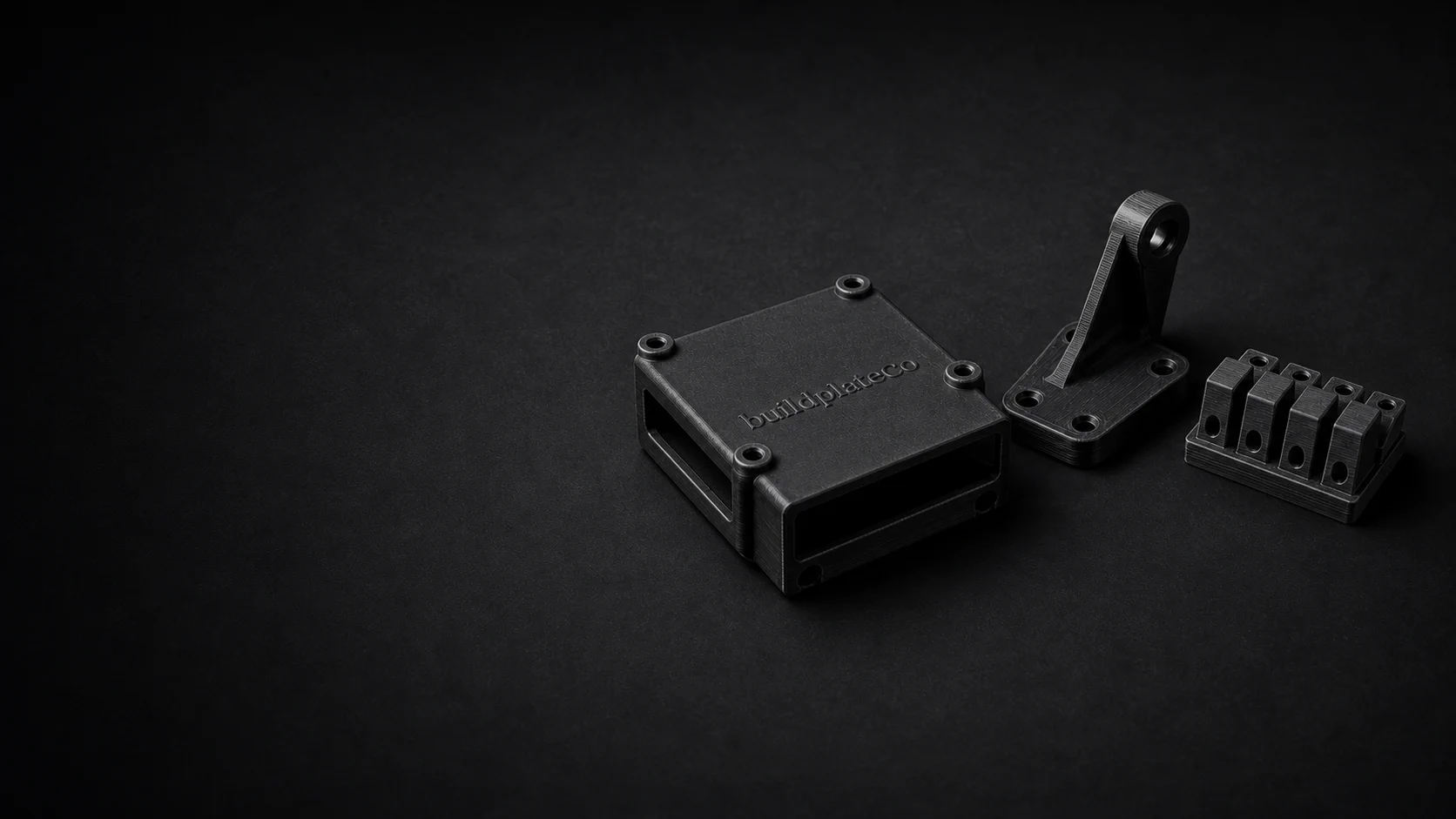
STEP file 3D printing service
Upload STEP files and quote custom 3D printed parts without converting everything manually first.
STEP is especially useful while a design is still living in CAD and a cleaner engineering handoff matters. BuildplateCo accepts STEP and STP files directly and prepares them for the quote workflow.
Print-ready STL, STEP, or STP files. CAD repair or model creation is paid work and priced before it begins.
01
CAD-friendly
STEP works well earlier in the design cycle when a part is still changing.
02
Direct service support
Customers can upload STEP files without manually converting to STL first.
03
Good for serious projects
Teams ordering functional parts often prefer a cleaner CAD exchange file.
04
Same guided workflow
STEP uploads still move into the same material and pricing flow on the site.
Why STEP can be better
What makes STEP attractive for ordering
Teams already working in solid CAD often prefer to keep their handoff in STEP.
You do not need to export and troubleshoot a separate STL before starting the quote.
What to watch
Practical limits when ordering from STEP
The service still needs to convert the geometry for preview and quoting behind the scenes.
Very unusual geometry is not magically simpler just because it came in as STEP.
File type alone does not solve tolerance, strength, or design decisions.
STEP prep
When a CAD file is the better handoff
STEP is useful when the source model is still part of an engineering workflow. It keeps the handoff closer to solid CAD before the service prepares printable geometry for quoting.
Suppress construction geometry, reference parts, and alternate configurations unless they are needed for the printed order.
STEP carries more CAD context than STL, but the intended physical size should still be confirmed before checkout.
If certain faces, holes, or bosses are fit-critical, say so before assuming the file type communicates the whole requirement.
FAQ
Common questions before ordering.
Can I upload STEP files directly?
Yes. STEP and STP files are supported in the upload flow.
Is STEP better than STL for ordering?
It depends. STEP is often better earlier in the CAD workflow, while STL is a common final handoff for printing.
Do I need to convert STEP to STL myself?
No. STEP and STP uploads are supported directly, so customers do not need to do a manual STL export before starting the quote.
Should I include assembly files?
Send the printable part geometry needed for the order. If an assembly context explains fit, include notes or ask for review before checkout.
Upload the file.
We’ll check the practical limits.
Review pricing before checkout, or request a paid part review when the design still needs work.